
VAEVICTIS OS 1.0.1
Hardened Debian 13 for people leaving Windows.
Use the ↑ and ↓ keys to select an entry, Enter to boot it, Esc to come back.
Or just click. Direct download: GitHub release v1.0.1
Installed 1.0? Run the four commands of the security notice of 12 October 2026: one minute.
- Most people meet Linux as something to learn and harden by hand. VaeVictis starts from the other end: the protections are on from the first boot.
- [ OK ]Disk encryption. A lost laptop is just a lost laptop.
- [ OK ]Firewall. Nothing on the network can open a connection to your PC.
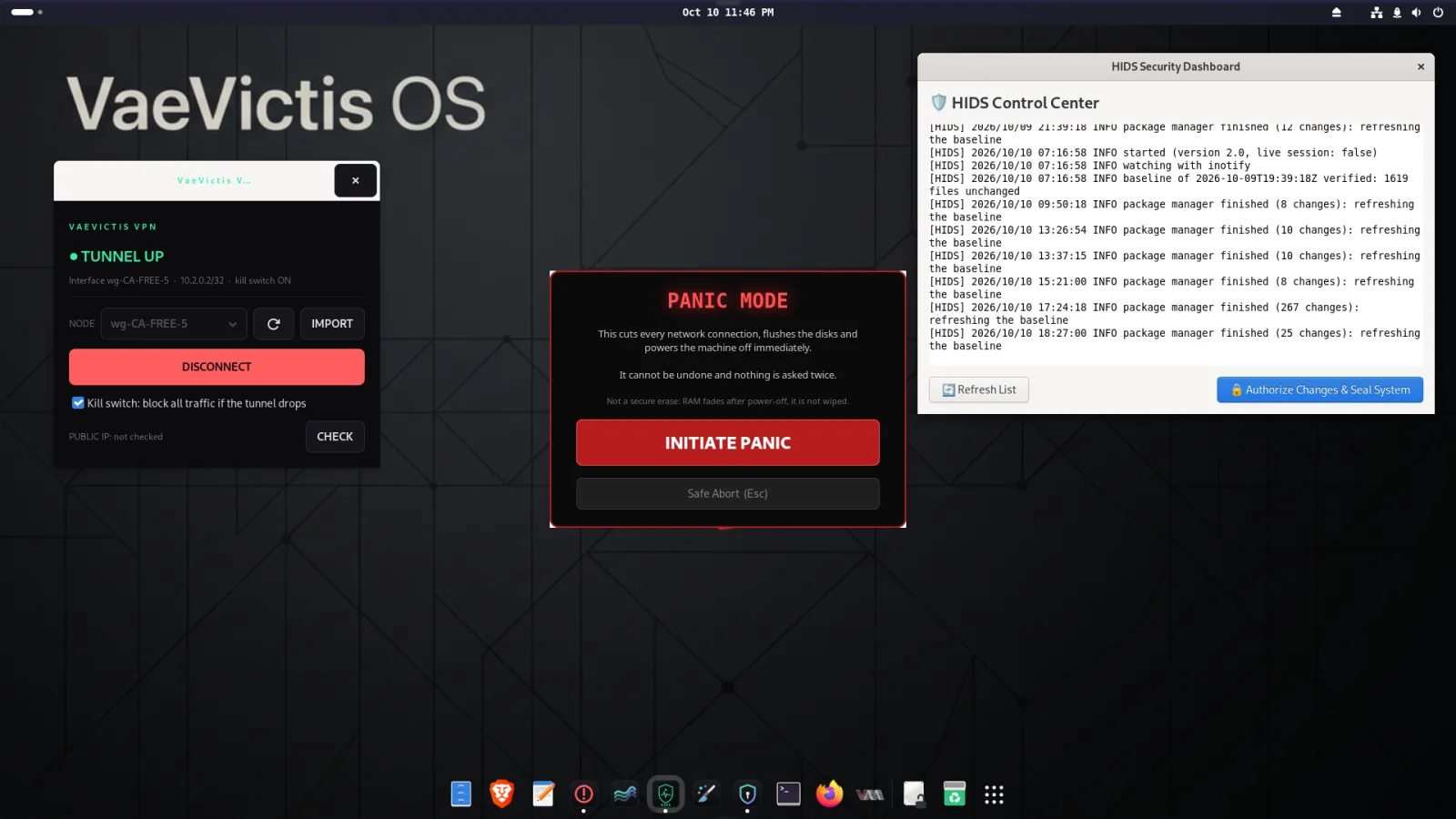
- [ OK ]Integrity monitor. A popup when programs, services or accounts change.
- [ OK ]VPN kill switch. If the tunnel drops, programs on this PC cannot send outside it. Not covered yet: virtual machines, and a reconnect that fails. Tested on real hardware.
- [ OK ]Panic button. One click: network off, PC off.
- [ OK ]Snapshots. Roll the system back if an update breaks something (kernel updates not covered yet).
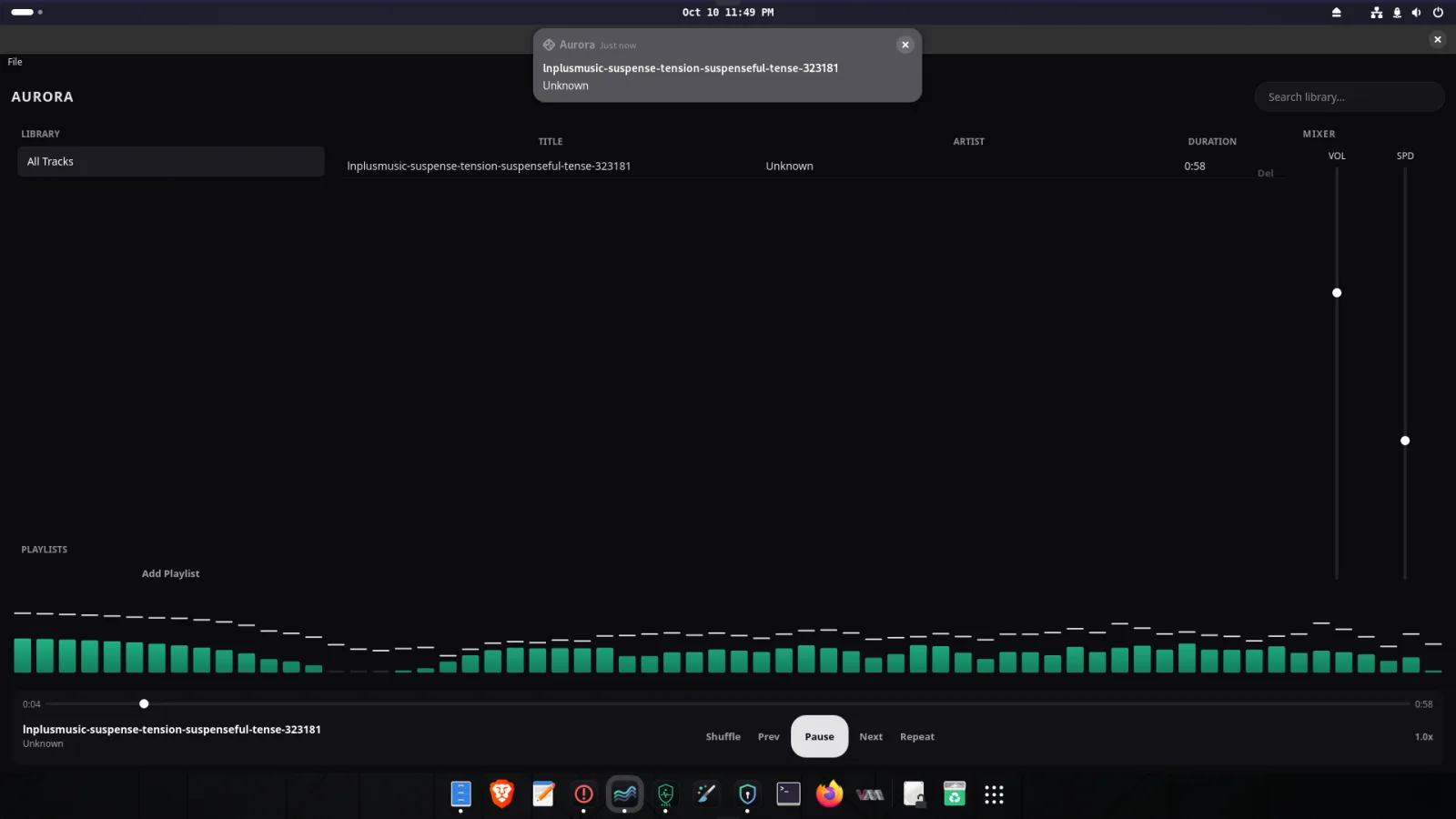
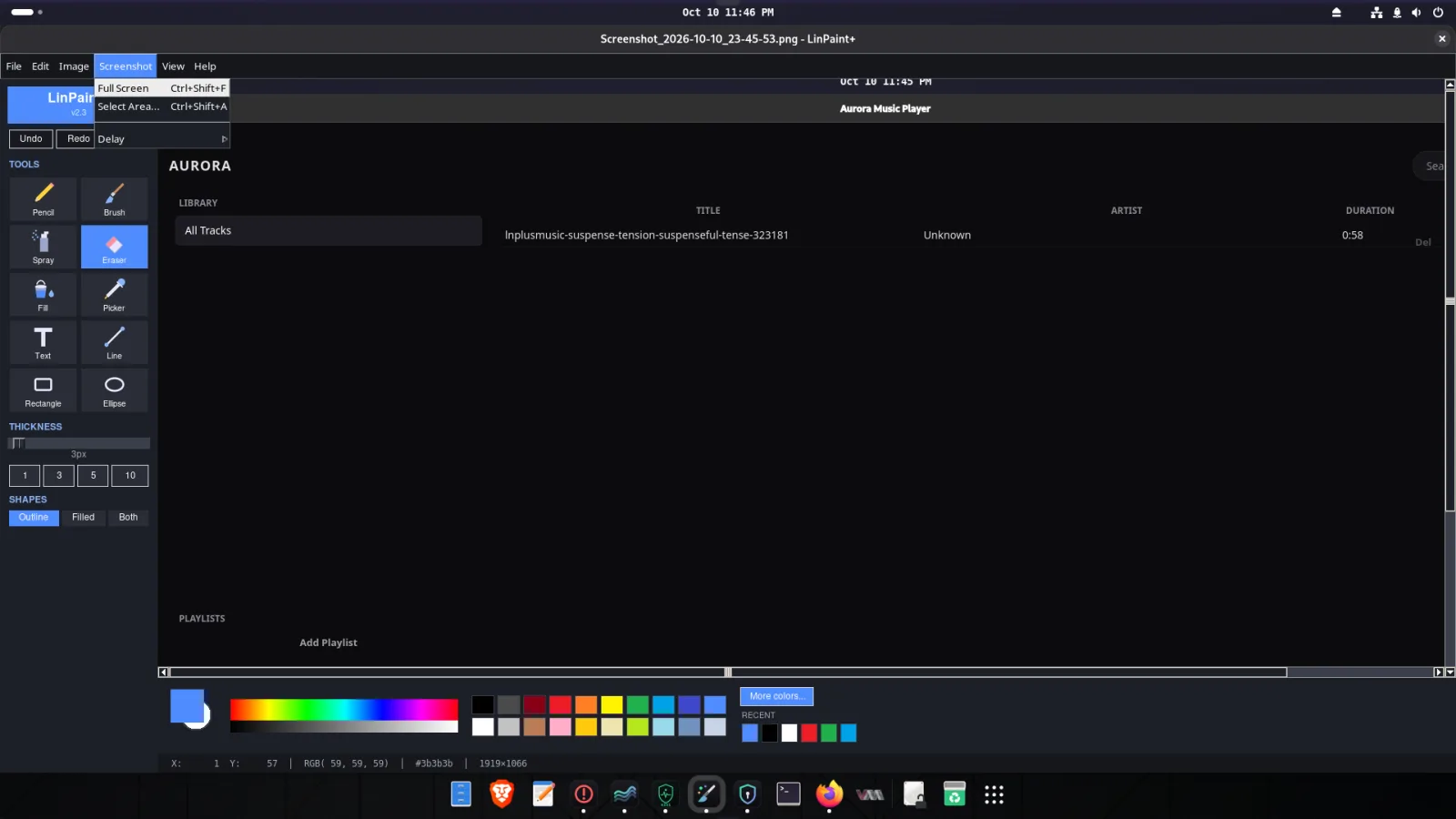
- [ OK ]Simple apps. Music, Paint with screenshots, PDF, LibreOffice. No terminal needed.
- [ OK ]No telemetry. Only security updates and the clock talk to the internet.
guest@vaevictis:~$
- Real screenshots of an installed VaeVictis OS 1.0, not mock-ups. Click one to see it full size.
guest@vaevictis:~$
- vaevictis-gnome-1.0.1.iso · 1.8 GB · 64-bit PC, BIOS or UEFI · 4 GB RAM · 20 GB disk
- [ OK ]Immutable release. Published on GitHub as an immutable release: the file cannot be replaced, not even by the author.
- [ OK ]Checksum (SHA-256). 2122827a372375b754f87ddb70dab1be916423210156d2f7ae5457909b4a38b2
- [ NOTE ]Security release. 1.0.1 fixes three problems found in an audit of the installer. Installed 1.0? Run the four commands of the notice.
- [ LIMIT ]Secure Boot. Not supported yet: switch it off in your firmware settings.
- Try the live session first: nothing on your disk changes until you install.
# in the folder where you downloaded both files
$ sha256sum -c vaevictis-gnome-1.0.1.iso.sha256
vaevictis-gnome-1.0.1.iso: OK
The checksum is published in two independent places, this page and the GitHub release: compare them. On Windows: certutil -hashfile vaevictis-gnome-1.0.1.iso SHA256.
Then write it to a USB stick of 4 GB or more (it will be erased) with balenaEtcher, dd, or the guarded vv-usb tool from the repository.
Coming next: a GPG-signed SHA256SUMS and a fast mirror at download.vaevictisos.org.
guest@vaevictis:~$
- [ LIMIT ]Not anonymous. There is no Tor routing. For anonymity, use Tails.
- [ LIMIT ]No Secure Boot yet. Turn it off in your firmware to boot VaeVictis.
- [ LIMIT ]/boot is not encrypted. Someone with your PC in hand could tamper with it.
- [ LIMIT ]An alarm, not a wall. The integrity monitor detects changes; it cannot stop an attacker who is already root.
- [ LIMIT ]RAM is not wiped. The panic button is fast, not forensic-proof.
- [ LIMIT ]One person’s project. Tested on real and virtual machines, never audited by a third party.
- The full list is in the threat model. To see which protection does what, try the scenarios.
guest@vaevictis:~$
- [ OK ]Source code. Plain shell, Python and Go on GitHub. Read what runs on your PC.
- [ OK ]Hardware reports. Tell us how it runs on your PC, even if everything works.
- [ OK ]Security issues. Report them privately, as SECURITY.md explains.
- [ OK ]Signed APT repository. apt.linuxtuts.online, key 0A41 158C 1DD6 718D 3D3F FED0 6848 6B39 B2A9 9993.
- Tutorials and the full project page live on LinuxTuts. Contact: admin@vaevictisos.org
guest@vaevictis:~$